
Skip to main content Scroll Top

One Patient. One Journey. Complete Clinical Visibility

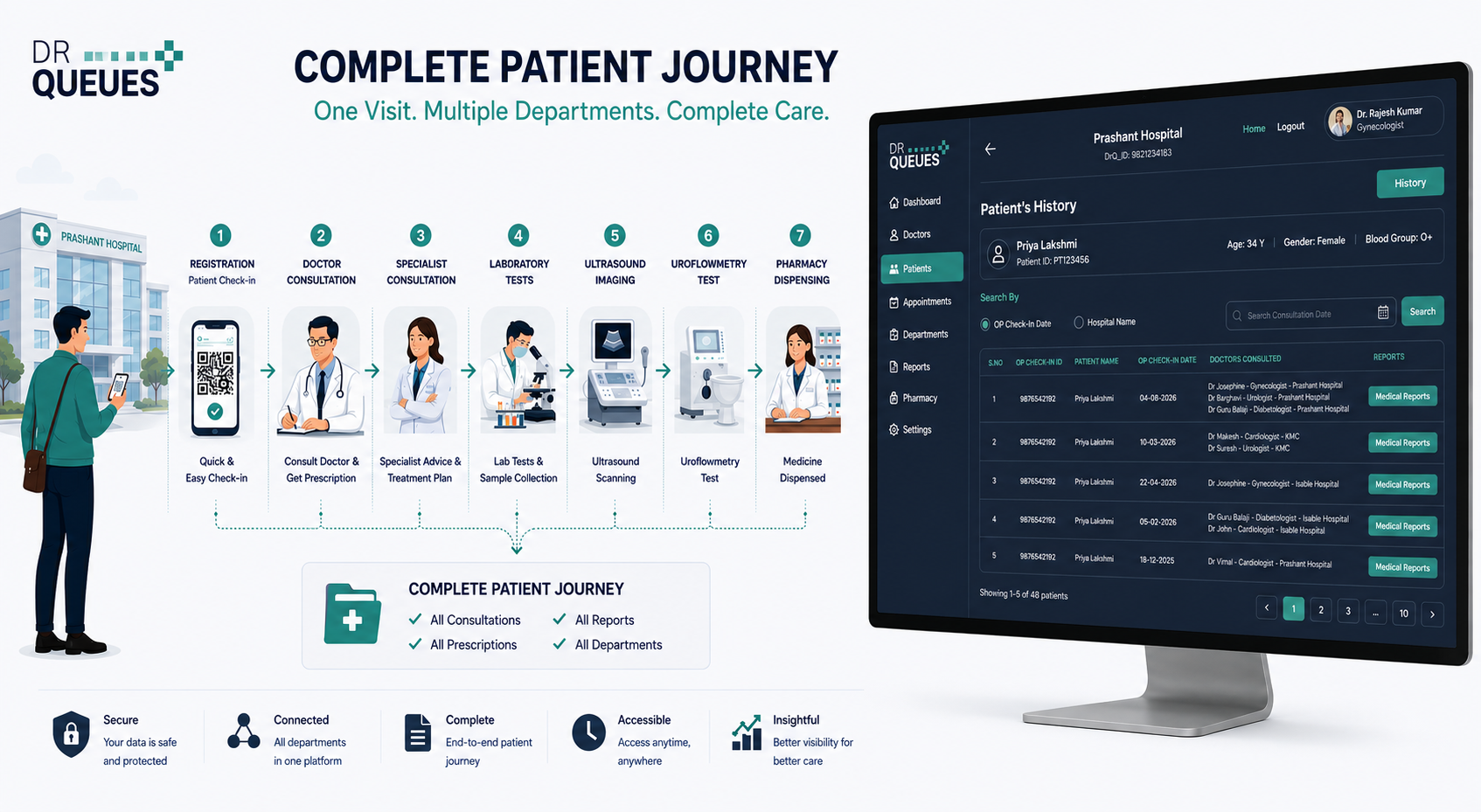
Traditional hospital systems often display isolated consultations, making it difficult for doctors and administrators to understand the complete treatment journey of a patient. DrQueues transforms this experience by connecting every patient interaction into a single, unified consultation timeline.

From the moment a patient checks in, every department visit, doctor consultation, prescription, laboratory investigation, diagnostic report, and pharmacy transaction becomes part of a complete patient journey that can be viewed and managed from a single platform.
drqueues.com/hospital-dashboard
DrQueues Screen View DrQueues Screen View
drqueues.com/hospital-dashboard
DrQueues Screen View DrQueues Screen View

How It Works

A patient may visit multiple departments during a single hospital visit. They may consult a General Physician, receive referrals to specialists, undergo laboratory investigations, complete diagnostic procedures such as Ultrasound or Uroflowmetry, and finally collect medicines from the pharmacy.

DrQueues captures every interaction as an independent department check-in while maintaining a complete relationship between all activities. This ensures that every consultation, report, and prescription remains connected to the patient's overall treatment journey.
360° Access

Complete Visibility Across the Hospital

Hospital administrators and doctors can access a comprehensive view of the patient's clinical history, including:

Doctor Consultations
Department Visits
Prescriptions Issued
Laboratory Test Requests
Laboratory Reports
Ultrasound Reports
Uroflowmetry Reports
Pharmacy Transactions
Consultation Dates and Treatment History

This unified approach eliminates fragmented records and provides complete clinical visibility for better patient care.

Patient Side

Patient Consultation View

The Patient Consultation View enables hospitals to quickly access a patient's complete treatment history. With a single click, users can view:

  • All consultations across departments
  • Every doctor involved in treatment
  • All prescriptions issued
  • Diagnostic investigations performed
  • Medical reports generated during treatment
  • Chronological consultation history

Medical records are intelligently organized by consultation date, making it easy to review a patient's healthcare journey.

Doctor Side

Doctor Consultation View

The Doctor Consultation View helps physicians efficiently manage their patients. Doctors can:

  • View all patients consulted by them
  • Access patient treatment history
  • Review previous consultations
  • View prescriptions and diagnostic reports
  • Understand referrals and follow-up activities
  • Track treatment progress across departments

This ensures continuity of care and helps doctors make informed clinical decisions.

Centralized Vault

Centralized Medical Report Management

Every medical document generated during treatment is securely stored and linked to the corresponding consultation. Multiple reports can be uploaded and managed under the same consultation, providing a complete digital record of patient care.

Prescriptions
Digital Rx with dosage history
Blood Test Reports
Instant pathology sync
Laboratory Reports
Unified diagnostic data
Ultrasound Reports
High-res medical imaging
Uroflowmetry Reports
Urology diagnostic records
Radiology Reports
X-Rays, CT & MRI sync
Pharmacy Records
Dispensed medication logs
Clinical Notes
Doctor insights & observations
Modular Network

Built for Modern Multi-Speciality Hospitals

DrQueues is designed to support real-world hospital workflows where patients frequently interact with multiple departments. Each department can maintain its own check-in process while remaining connected to the patient's overall healthcare journey.

General Medicine
Cardiology
Orthopedics
Pediatrics
Urology
Laboratory
Radiology
Ultrasound
Pharmacy
Diagnostic Centers
Day Care Units
Specialty Clinics
Systemic Impact

Benefits for Hospitals

Designed to scale clinical productivity and eliminate administrative bottlenecks.

01

Improve Clinical Visibility

Provide doctors and administrators with a complete view of every patient interaction.

02

Eliminate Fragmented Records

Connect consultations, reports, prescriptions, and investigations into a single patient timeline.

03

Faster Patient Review

Access treatment history instantly without searching through multiple systems.

04

Better Care Coordination

Enable seamless collaboration between doctors, diagnostic departments, and pharmacy teams.

05

Scalable Hospital Workflow

Support future workflows, additional departments, and advanced patient journey tracking.

Transform Every Patient Visit into a
Connected Healthcare Journey

DrQueues helps hospitals move beyond isolated consultations and fragmented records by creating a complete digital patient journey. From registration to diagnosis, treatment, investigations, and pharmacy fulfillment, every interaction is connected, visible, and accessible when needed.

Empower your doctors. Streamline hospital operations. Deliver better patient care with DrQueues.

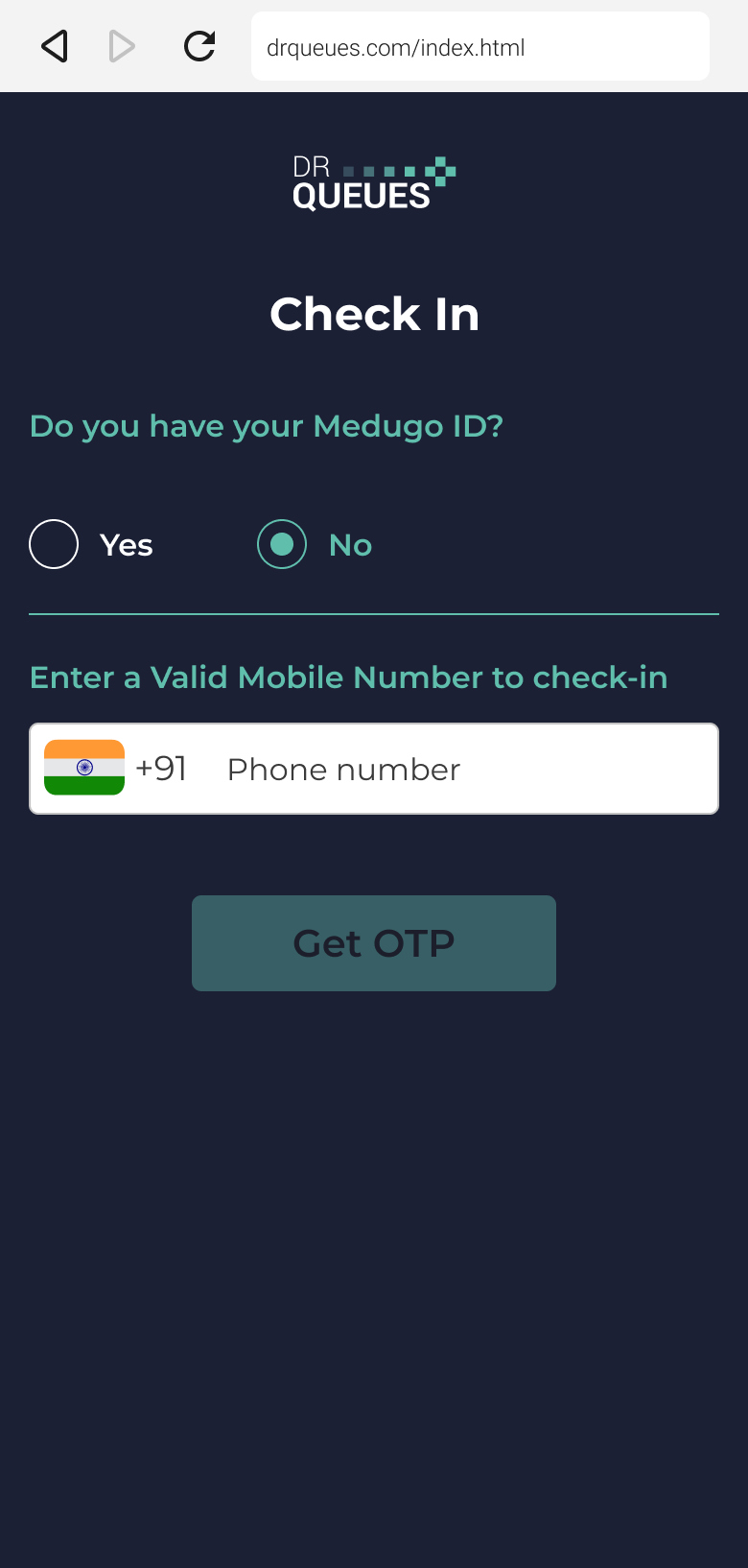
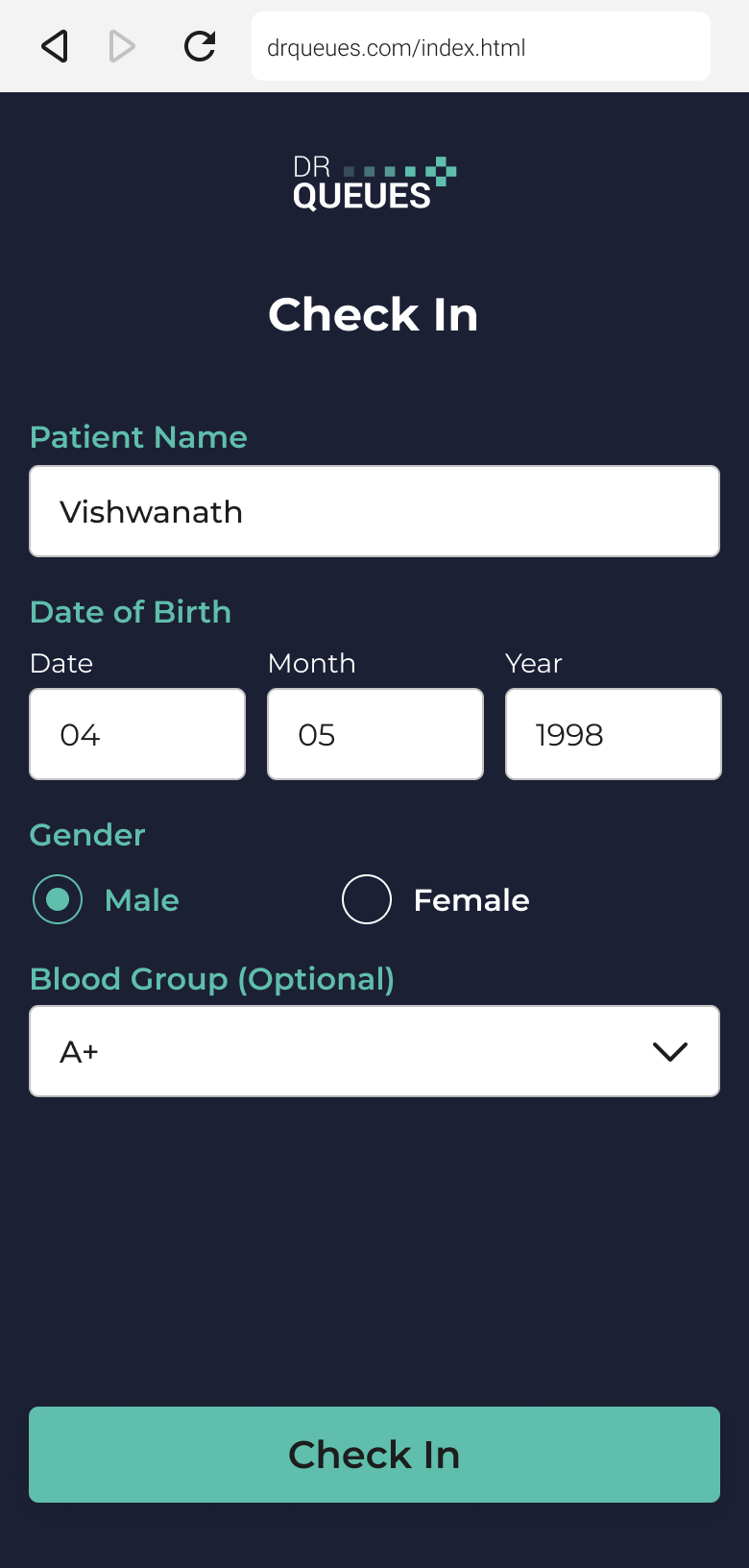
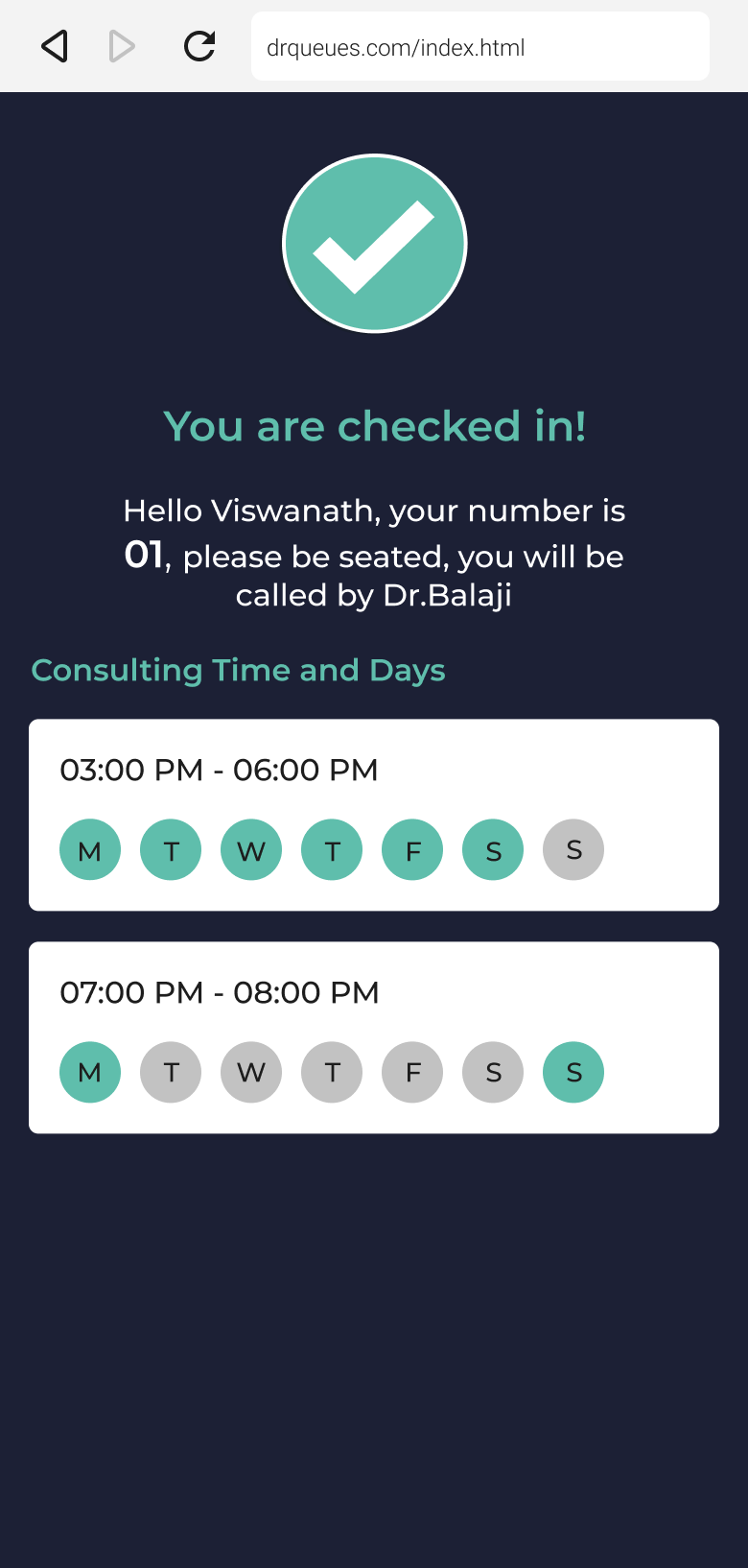
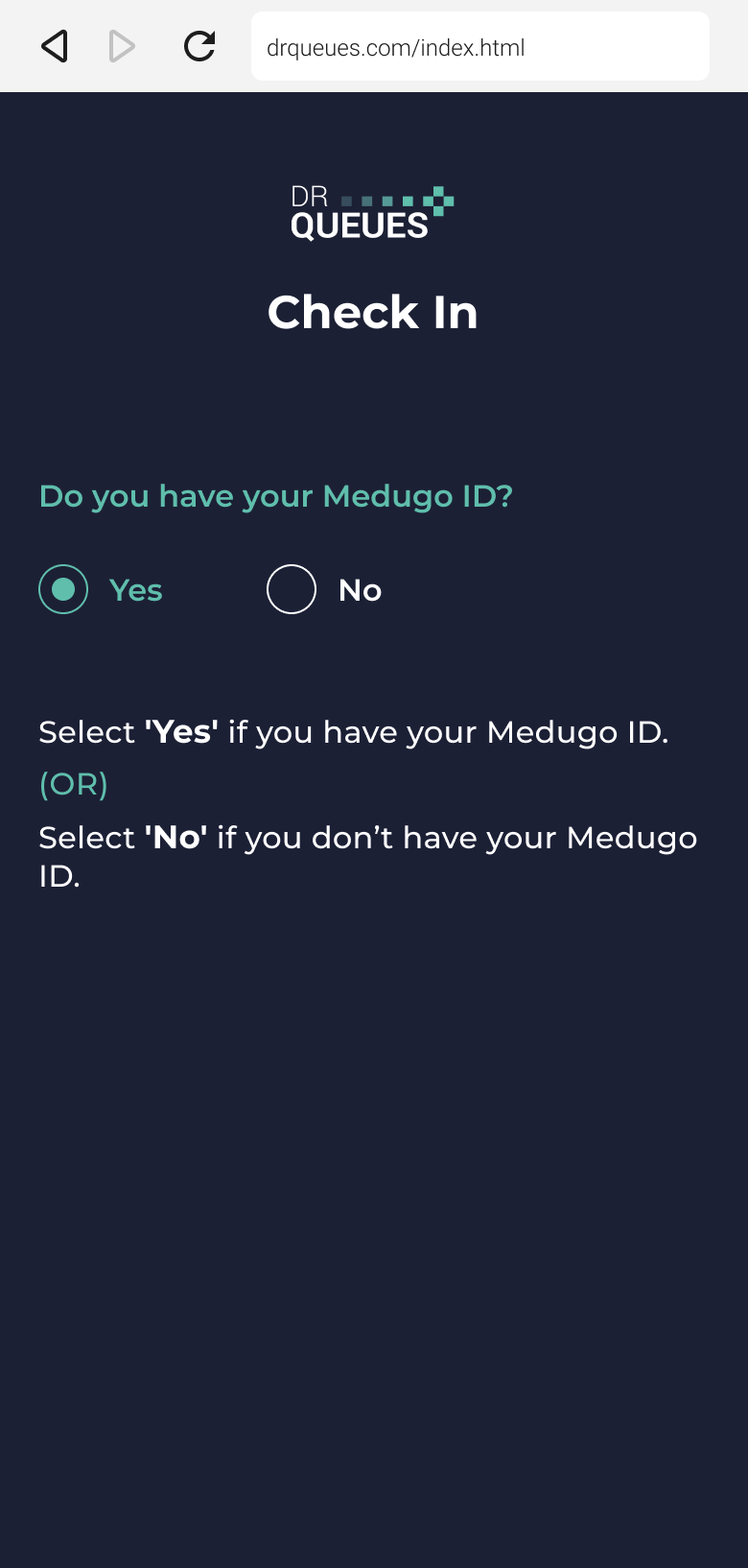
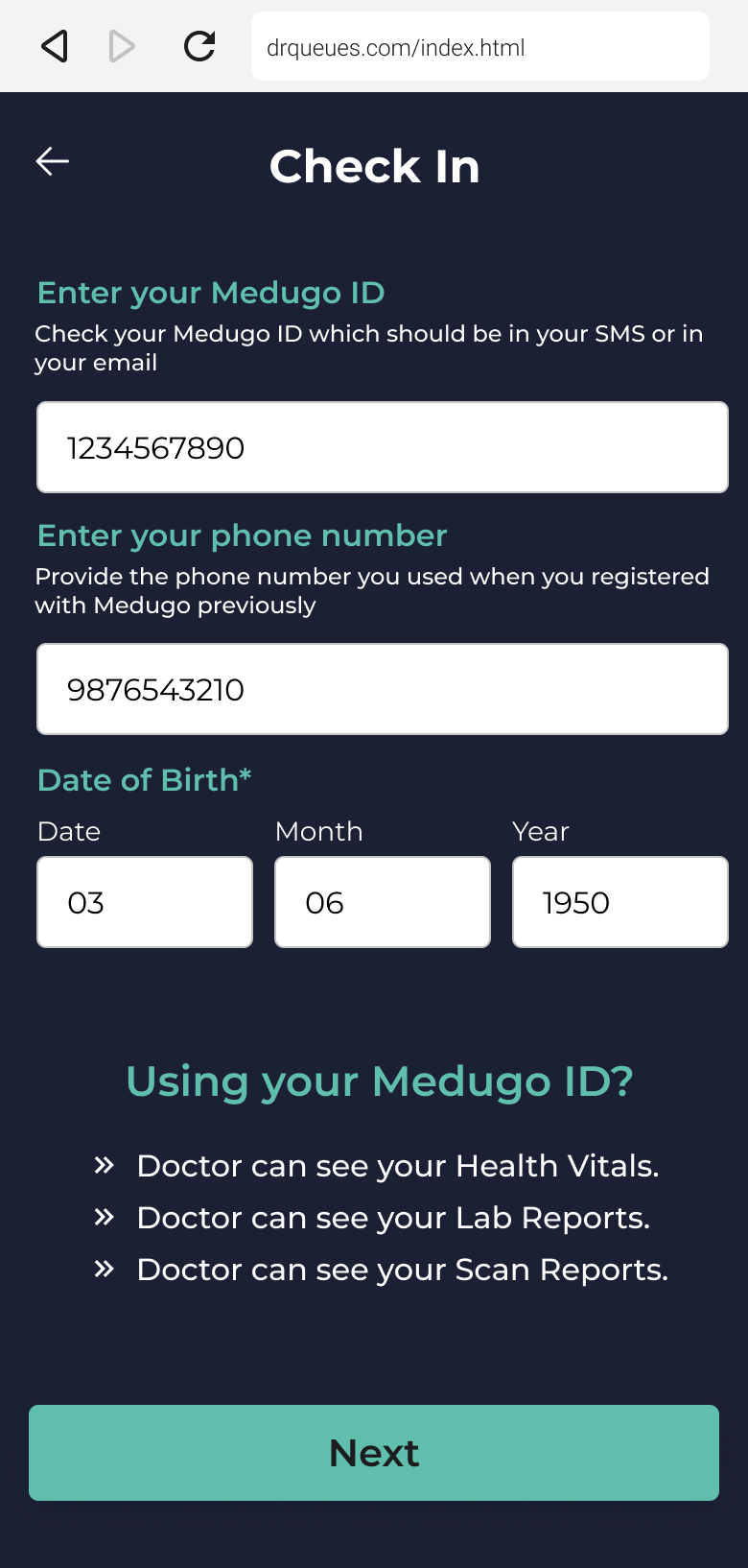
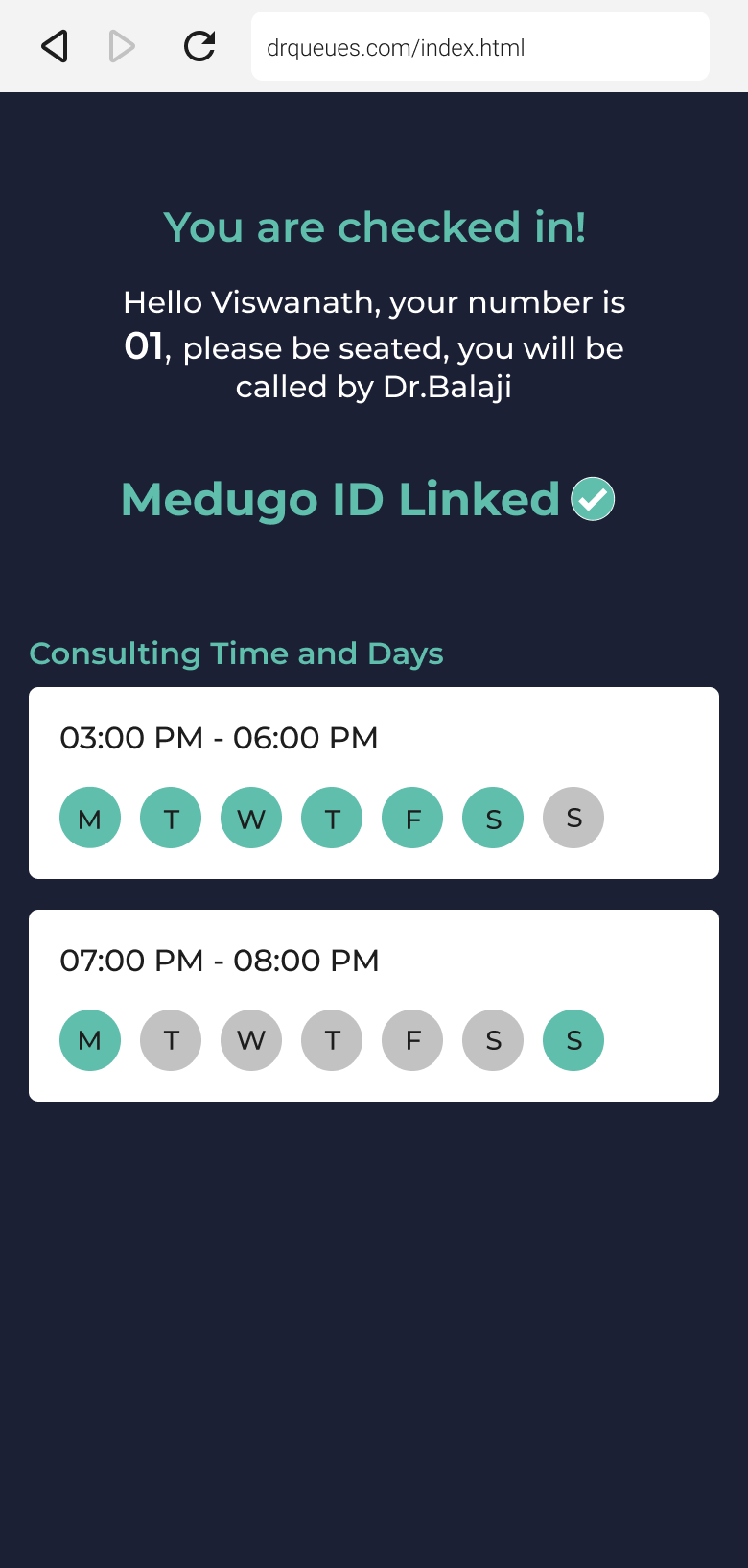
Patient Check-in

No more notebooks
No more tokens

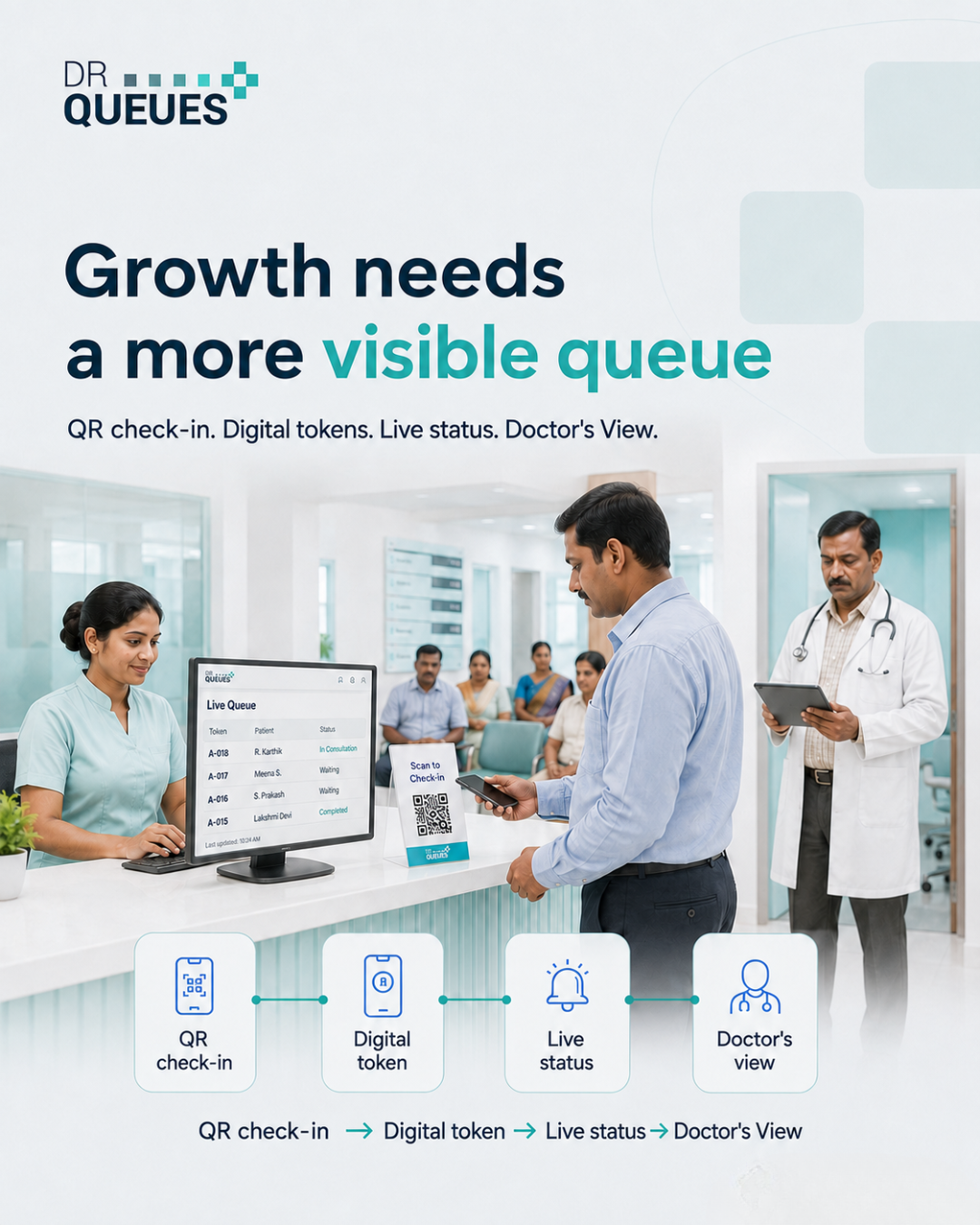
DrQueues digitally connects out-patients with their doctor.

Multi-Specialty Hospital Management

Digitally Manage Every Department With DrQueues

Running a multi-specialty hospital involves coordinating dozens of departments, hundreds of patients, and multiple doctors every day. From Doctor Consultation and Emergency Room to CT Scan, MRI, X-Ray, Pharmacy, Pathology Lab, Ultrasound, and PET Scan, every department has its own patient flow. Managing these queues manually often leads to long waiting times, overcrowded reception areas, and unnecessary confusion.

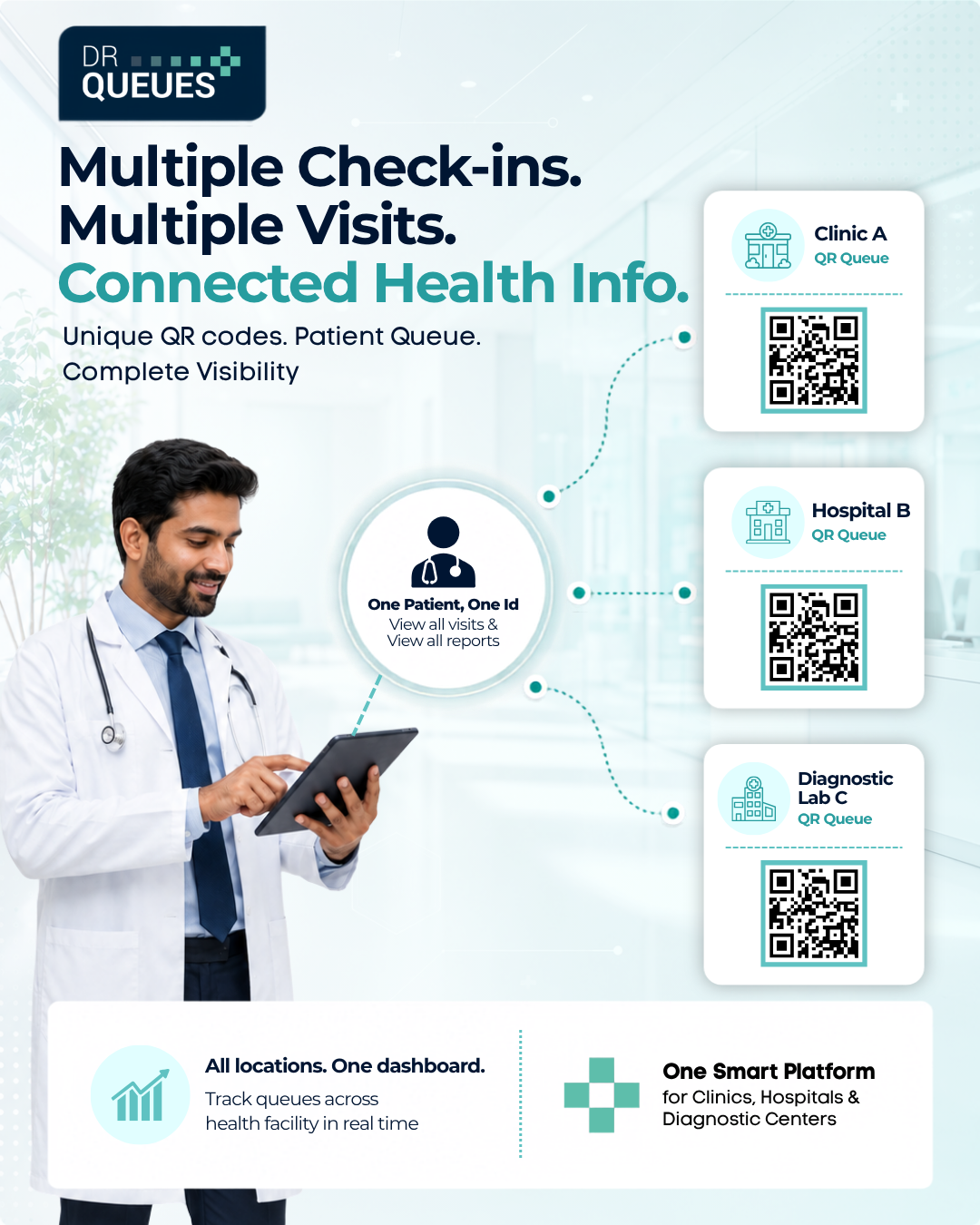
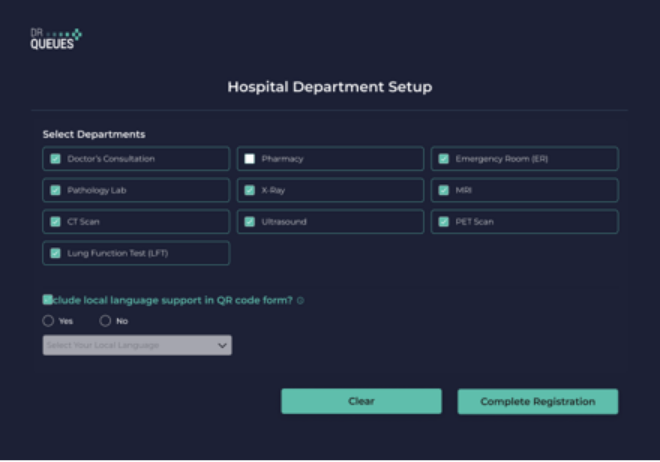
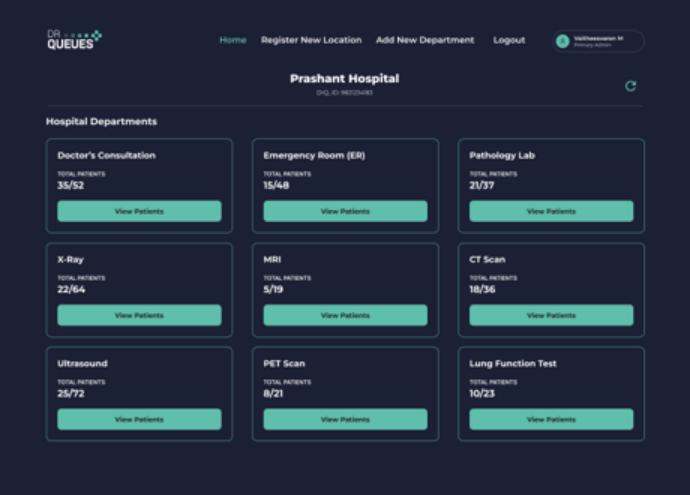
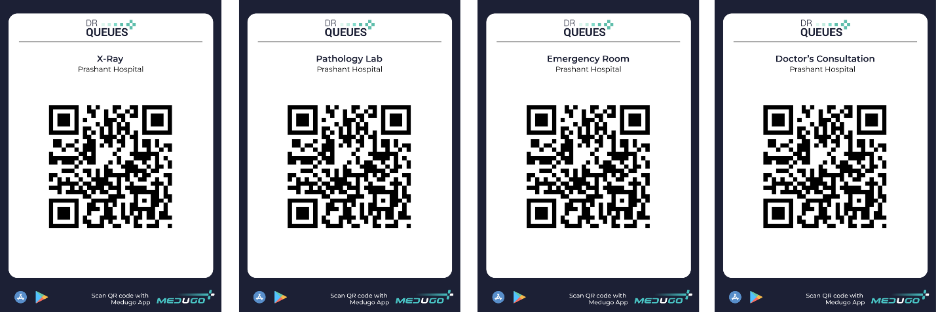
DrQueues provides a centralized hospital management platform that allows hospital administrators to create departments, generate dedicated QR codes, and monitor patient queues across the entire hospital from a single dashboard. Every department operates independently while remaining connected through one powerful system.

drqueues.com/hospital-dashboard
DrQueues Screen View DrQueues Screen View

Create Unlimited Departments with Dedicated QR Codes

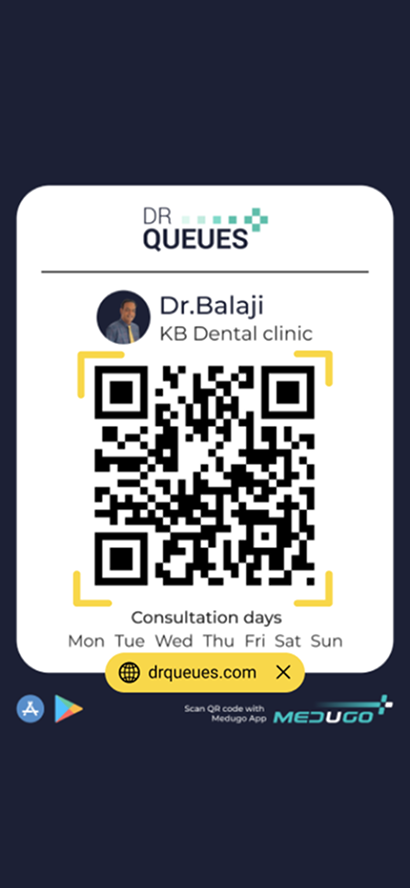
Every hospital department serves different patients and follows a unique workflow. With DrQueues, the hospital administrator can create unlimited departments and instantly generate a unique QR code for each one. Whether it’s the Radiology Department, Pathology Lab, MRI, CT Scan, X-Ray, Pharmacy, or Doctor Consultation, patients simply scan the department’s QR code using their mobile phone to check in digitally. This eliminates manual token systems, reduces waiting lines at reception, and helps each department manage patients efficiently while providing a faster and more organized hospital experience. 

Manage Multiple Hospital Locations from One Account

Healthcare organizations often operate across multiple branches or satellite hospitals. Instead of managing each location separately, DrQueues enables administrators to add multiple hospital locations under one account. Every location can have its own departments, dedicated QR codes, and live patient queues, while the administrator maintains complete visibility across all branches. Whether your hospital has two locations or twenty locations, administrators can easily manage operations without switching between different systems.
drqueues.com/hospital-dashboard
DrQueues Screen View DrQueues Screen View
drqueues.com/hospital-dashboard
DrQueues Screen View DrQueues Screen View

Real-Time Visibility for Hospital Administrators and Doctors

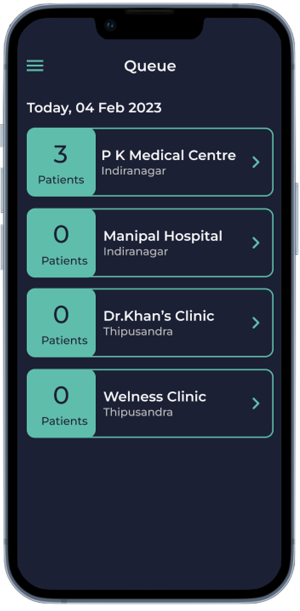
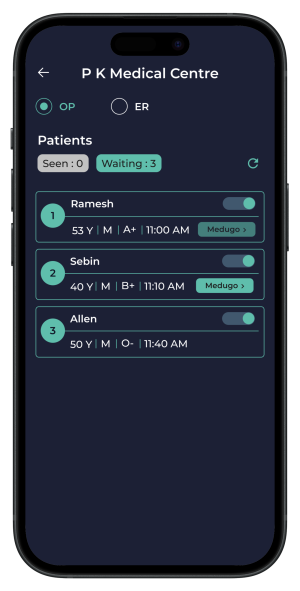
Hospital administrators no longer need to rely on phone calls or manual updates to understand patient flow. The DrQueues dashboard provides a real-time view of every department, displaying how many patients have checked in, how many are waiting, and the current queue status. Doctors can also access their department queue before starting consultations, helping them plan their schedule more effectively and reduce unnecessary patient waiting. This transparency improves departmental coordination, increases operational efficiency, and creates better experience for both healthcare professionals and patients.
A Smarter Digital Experience for Modern Hospitals

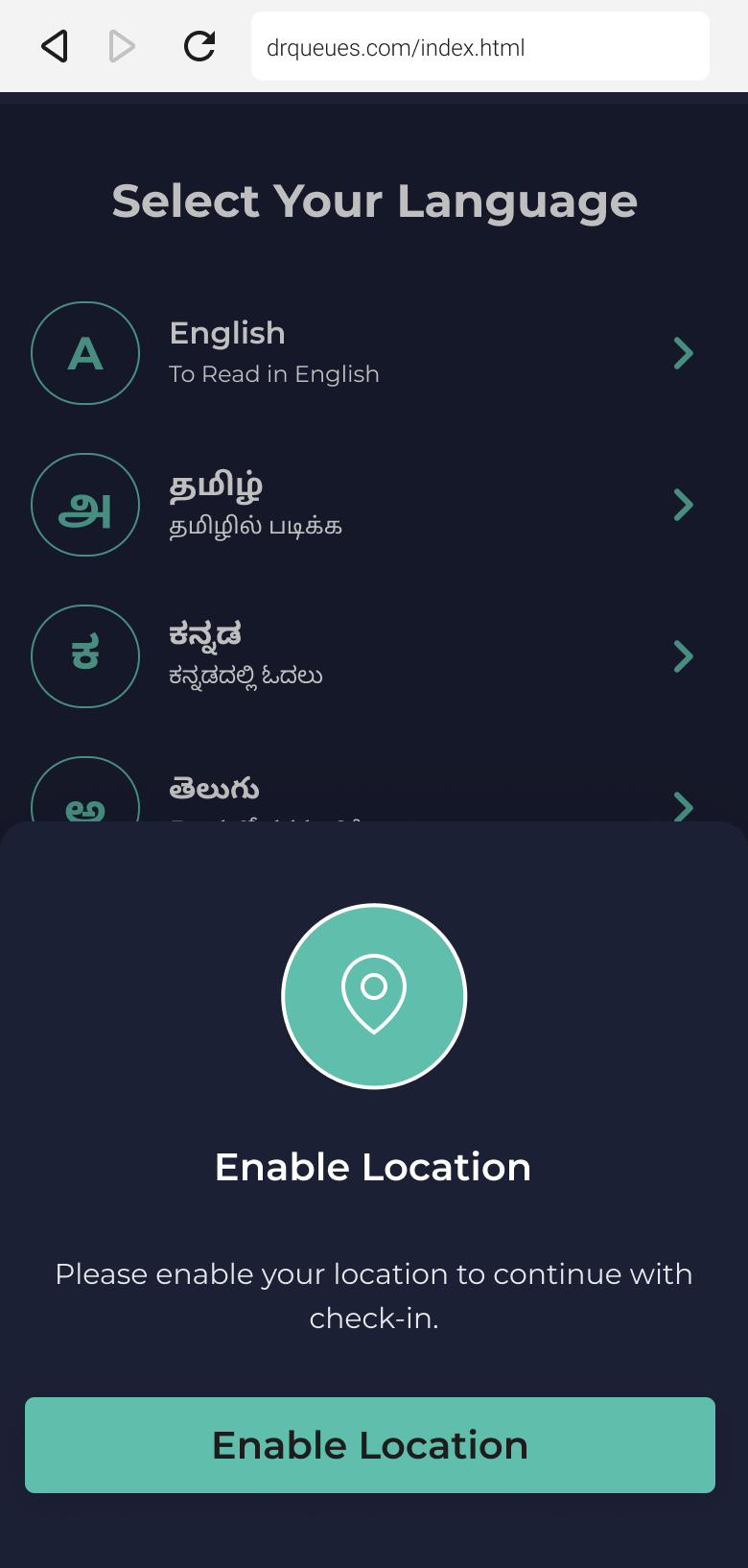
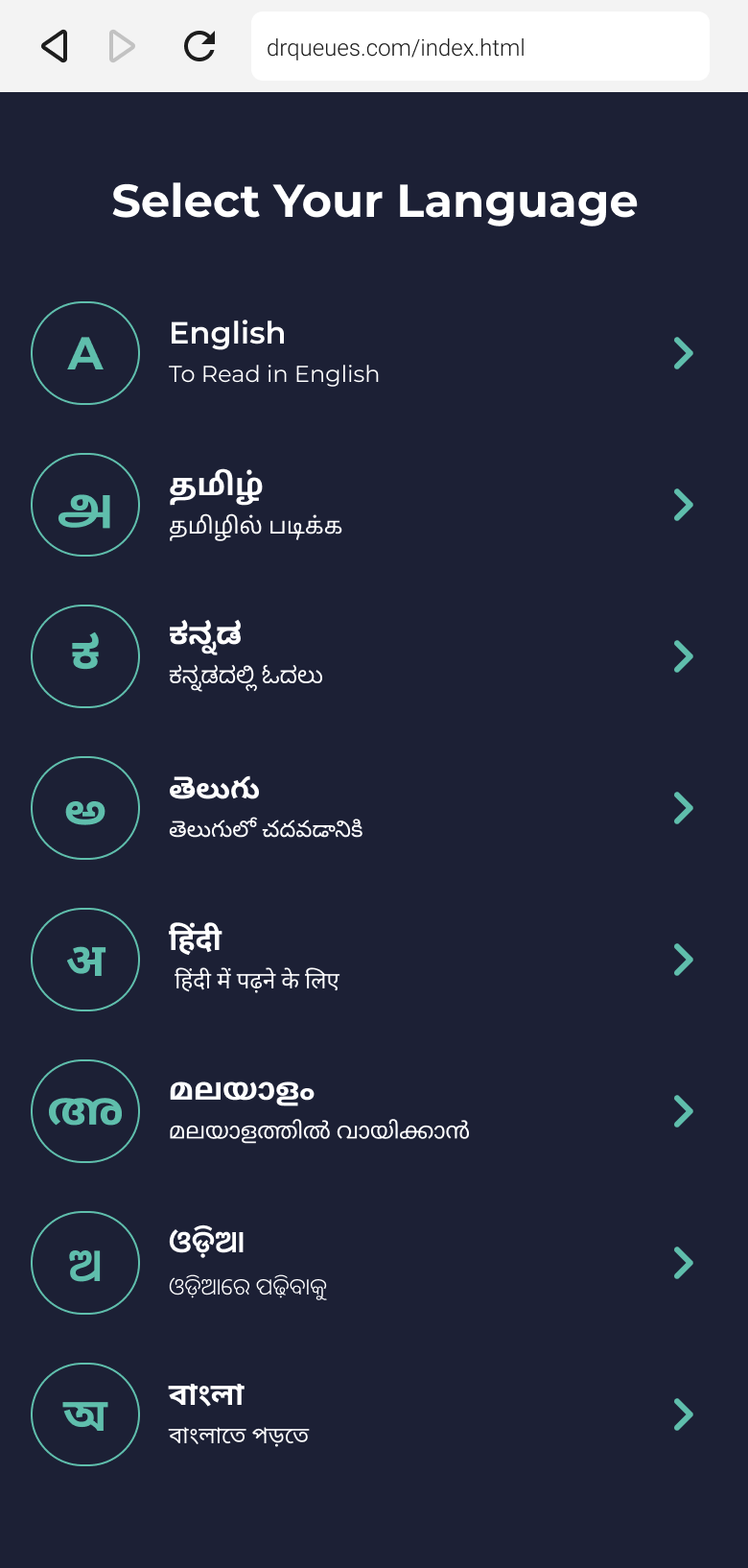
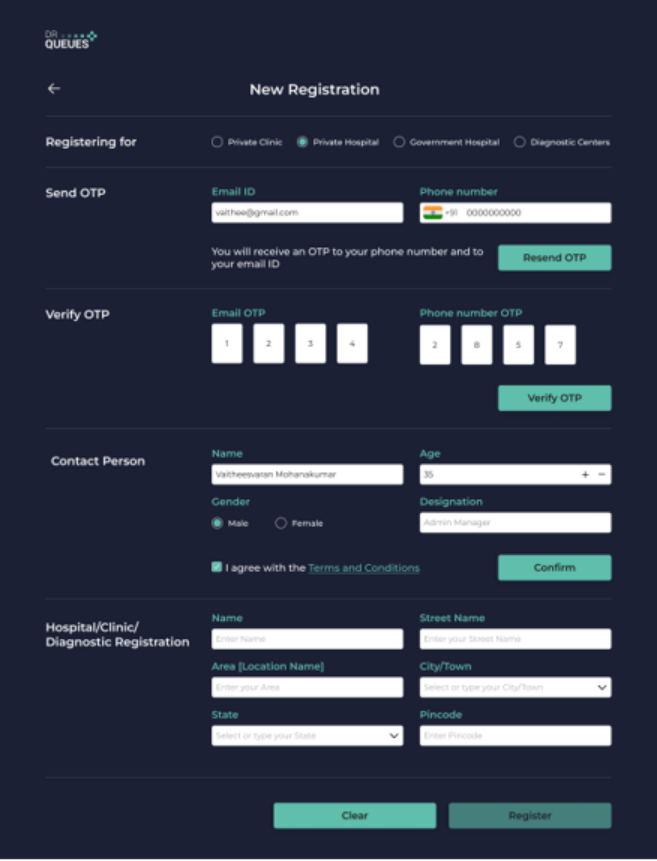
DrQueues is designed for hospitals looking to modernize patient management without adding complexity. From registering the hospital and adding new branches to creating departments and generating QR codes, everything can be completed through a simple web portal in just a few minutes. The platform supports all major Indian languages, making it easy for patients from diverse regions to use the QR-based check-in system. Whether you manage a small specialty hospital or a large multi-specialty healthcare network, DrQueues helps streamline patient flow, improve departmental efficiency, reduce administrative workload, and deliver a faster, smarter, and more organized healthcare experience. 

Patient Check-in
Designed for Doctors Clinic
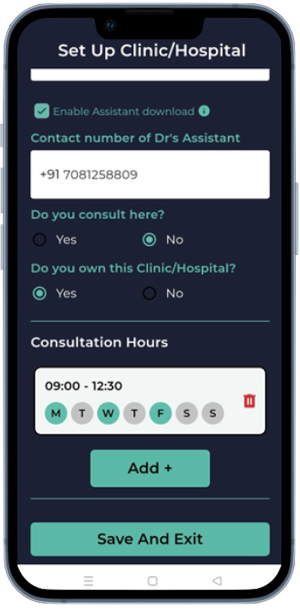
Register your hospital

Hospital Department Setup

Select Departments

Generate QR Codes

Print QR Code

Stick QR code on the Wall

Features

Multi-Department Hospital Setup

Configure every outpatient department such as Laboratory, Pharmacy, X-Ray, CT scan and more under a single hospital account. Each department can manage its own patient queue independently

Venusgeo Icons
Venusgeo Icons

Dedicated QR Code for Every Department

Generate a unique QR Code for each department or consultation room. Patients simply scan the QR Code to check in, reducing registration delays and improving patient flow.

Real-Time Queue Monitoring

Hospital administrators can monitor waiting patients across all departments from one dashboard. Instantly identify crowded departments and optimize staff allocation.

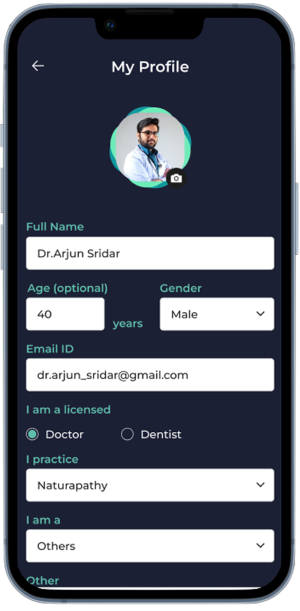
Multi-Doctor & Multi-Location Management

Manage multiple doctors, departments, and hospital branches from one centralized platform with separate queues and reports for each location.

DRQUEUES VIEW
Patient Check-in View
App Installation Steps - iPhone Mockup
Step 1
Step 2
Step 3
Step 4
Step 5
Step 6
Step 7
Step 8
Step 9