
One Patient. One Journey. Complete Clinical Visibility
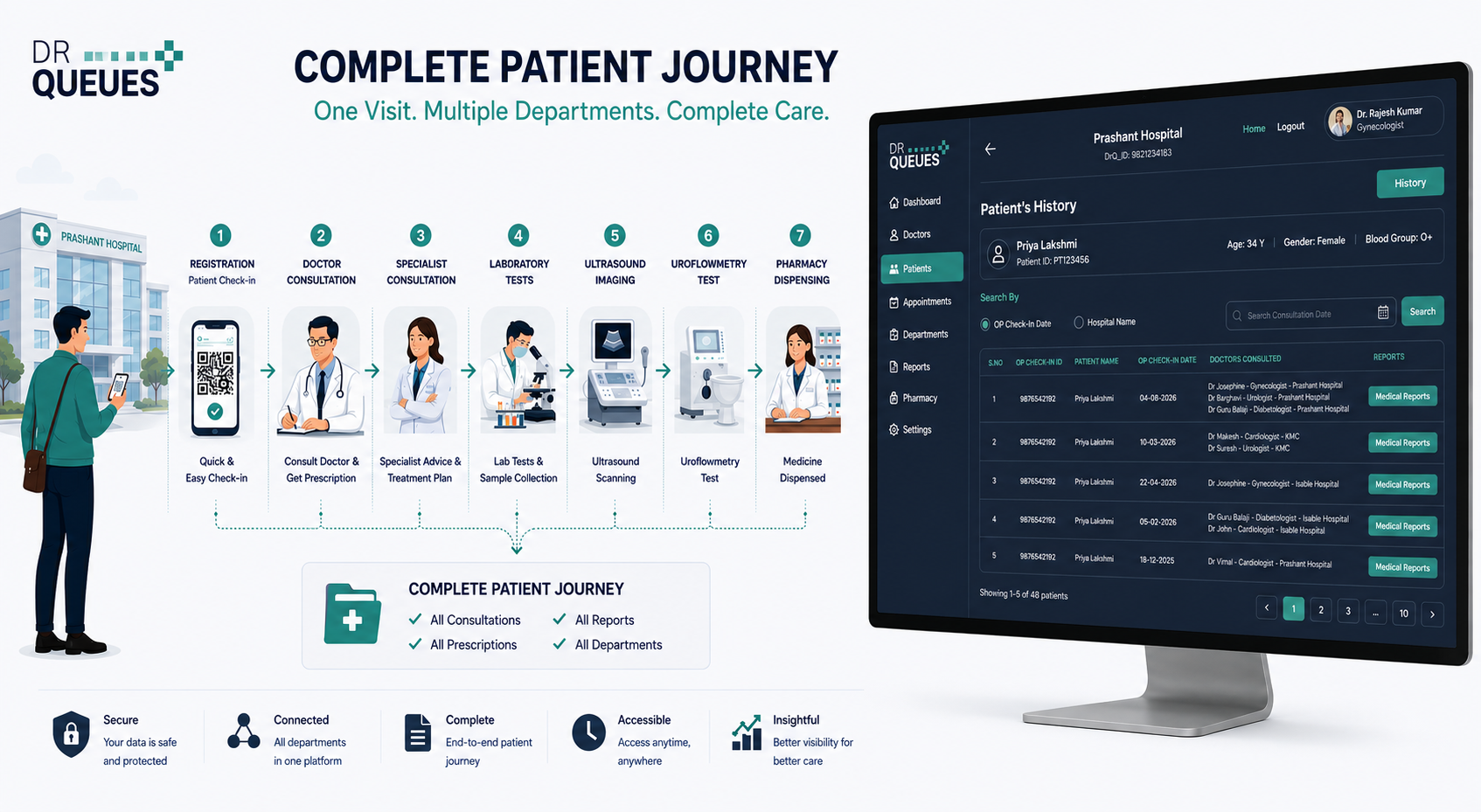
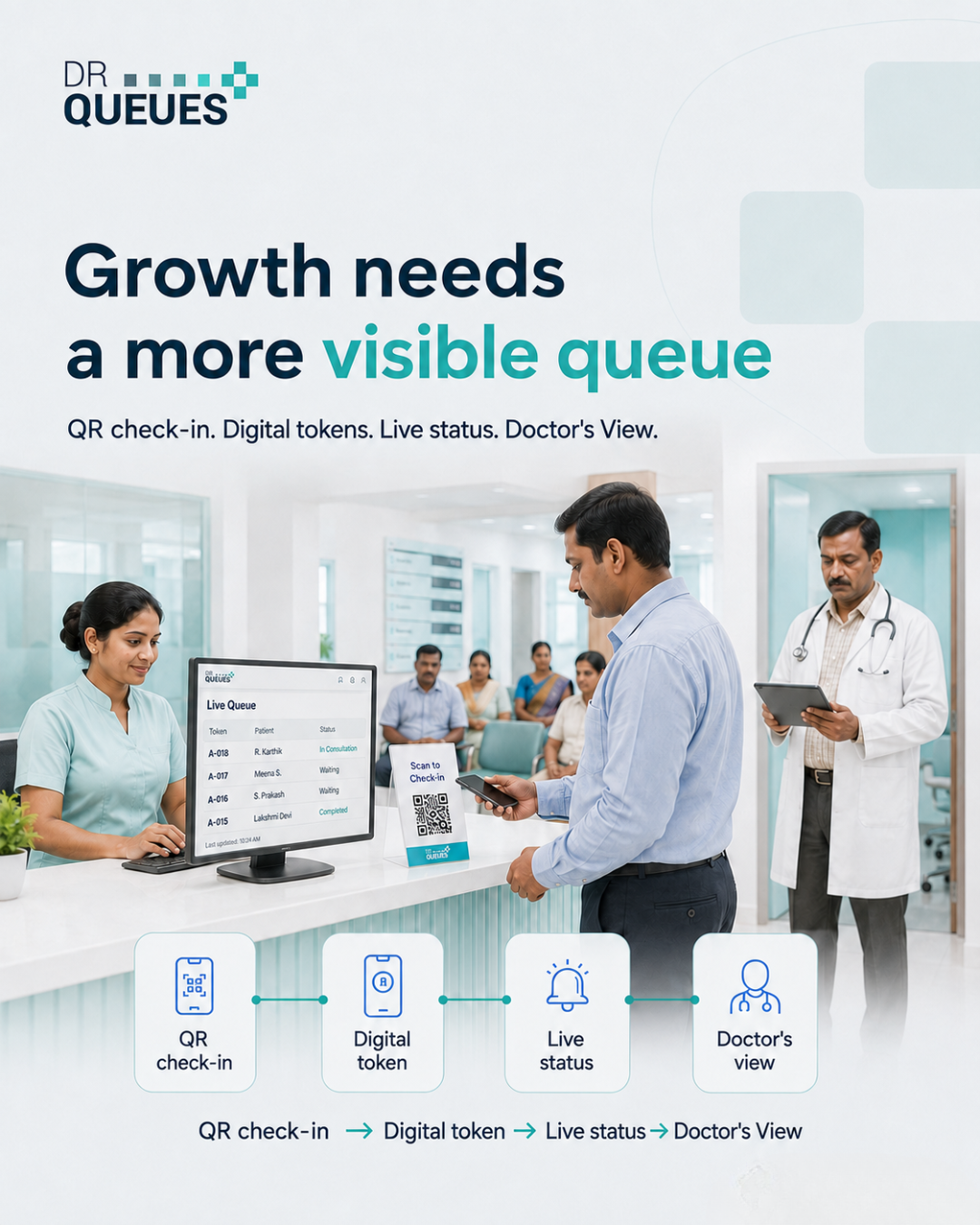
Traditional hospital systems often display isolated consultations, making it difficult for doctors and administrators to understand the complete treatment journey of a patient. DrQueues transforms this experience by connecting every patient interaction into a single, unified consultation timeline.
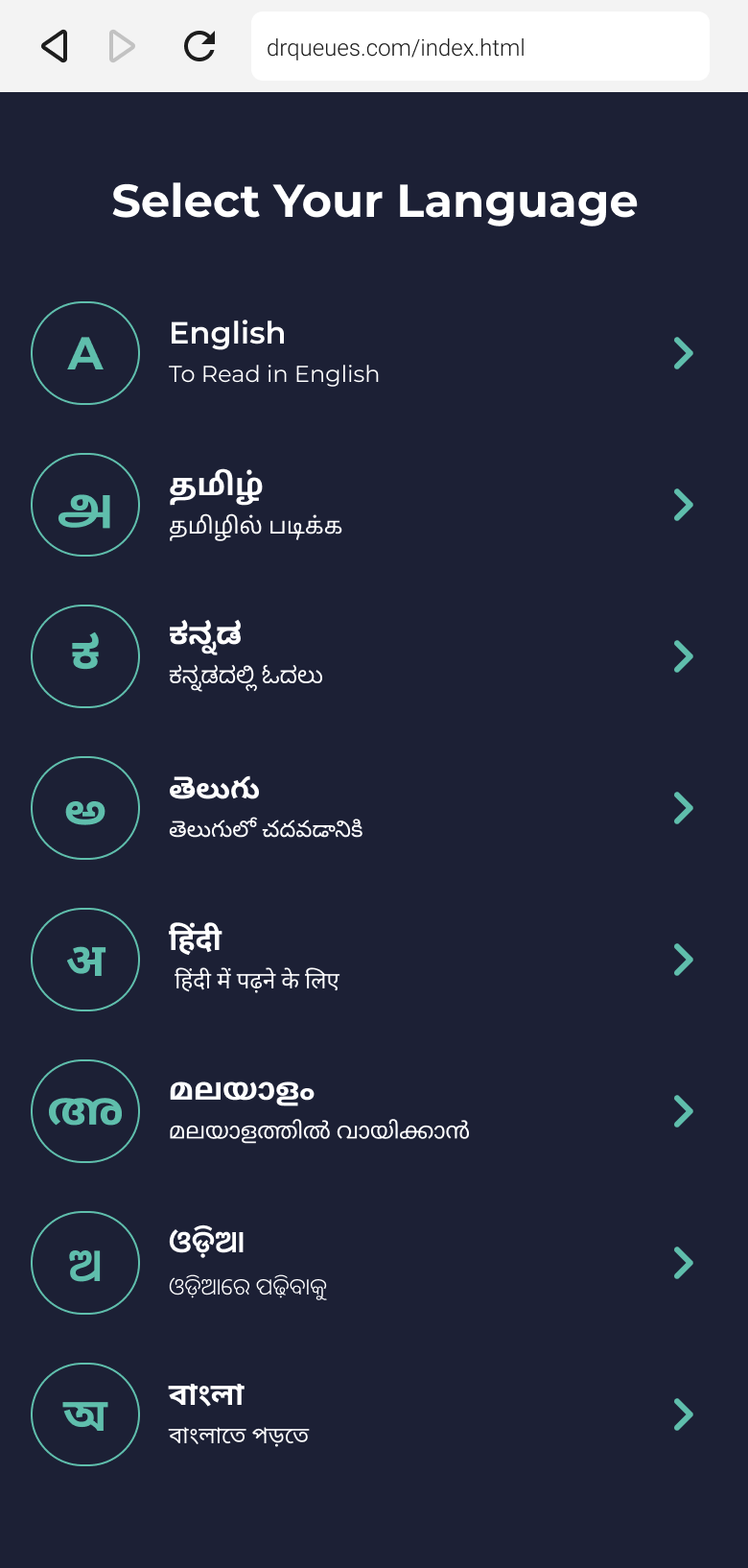
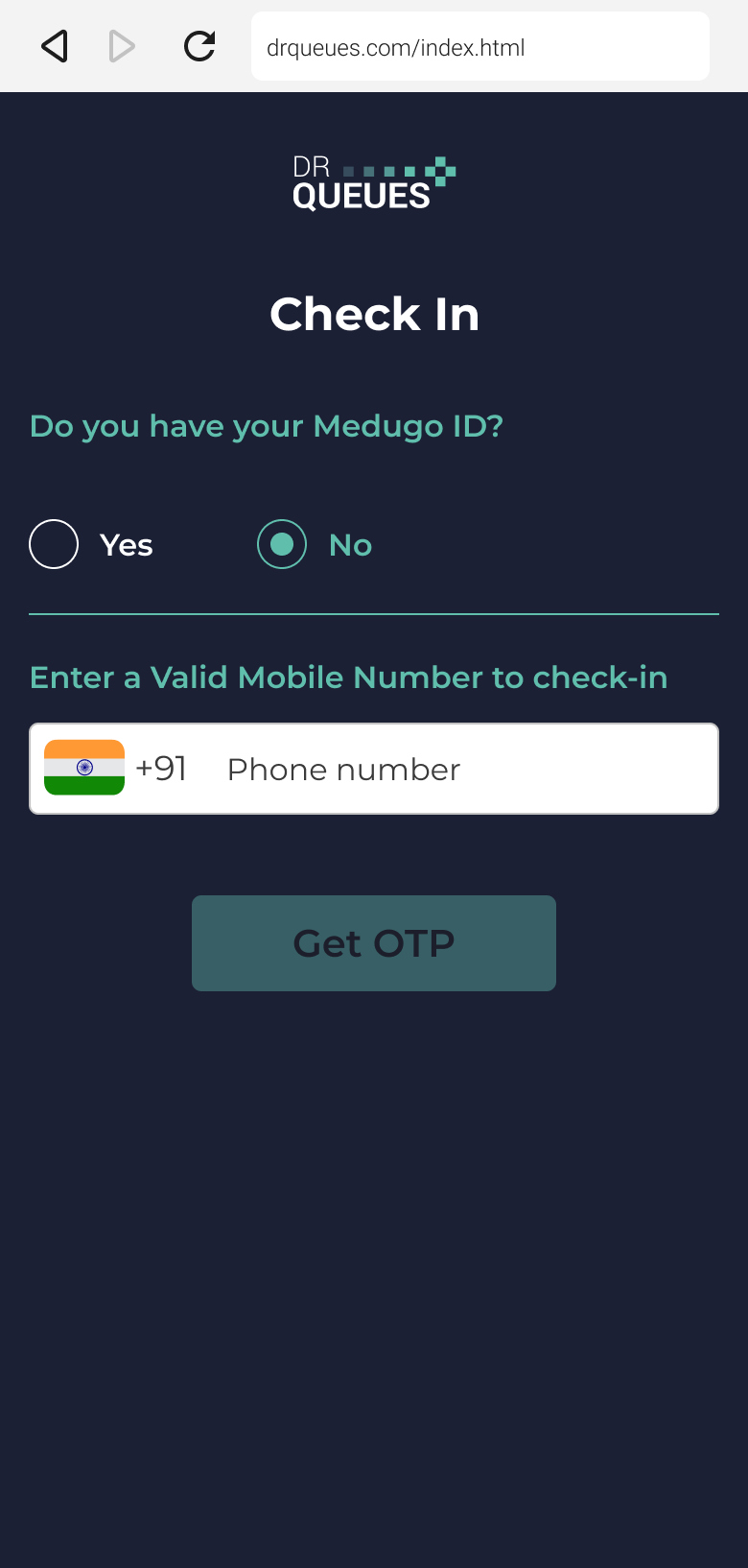
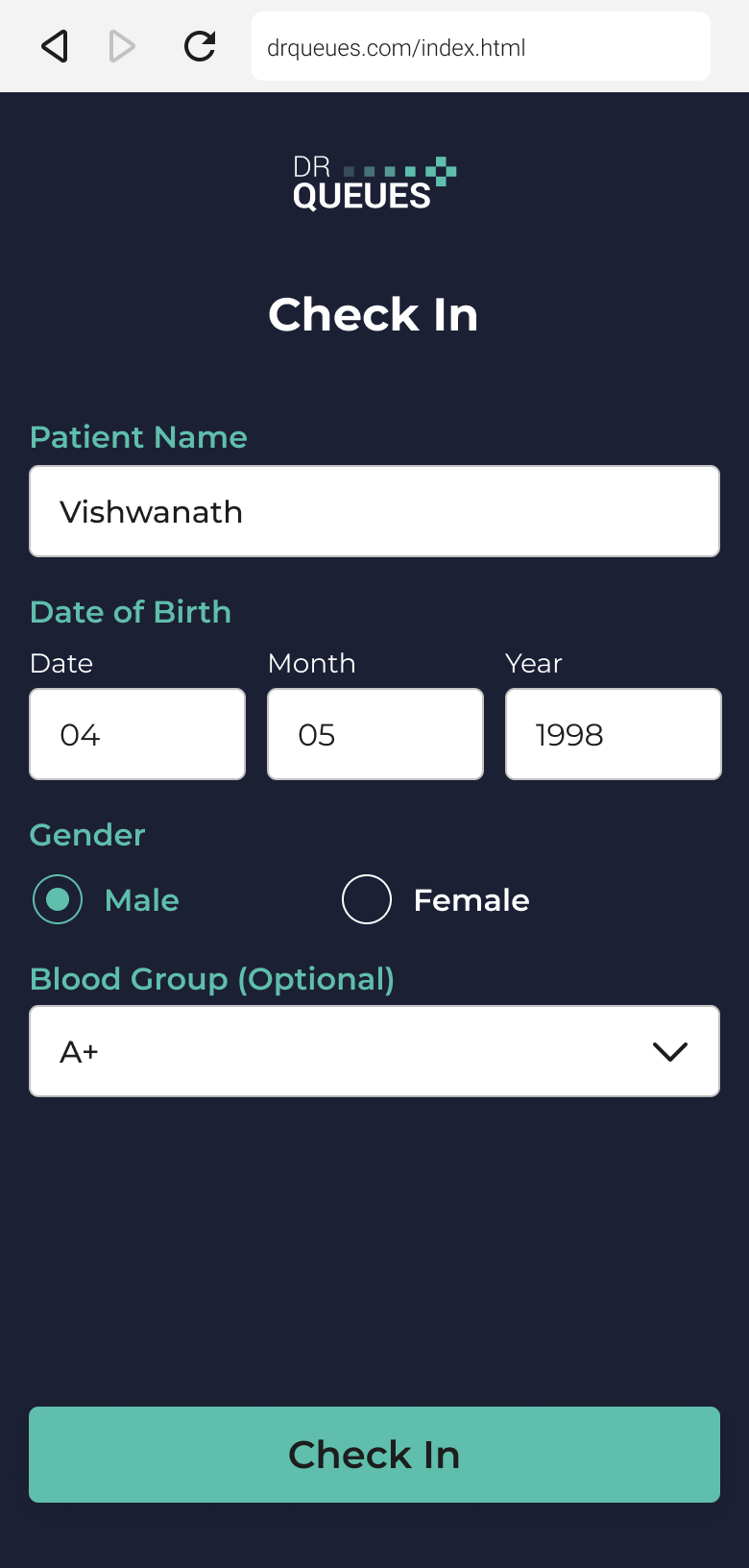
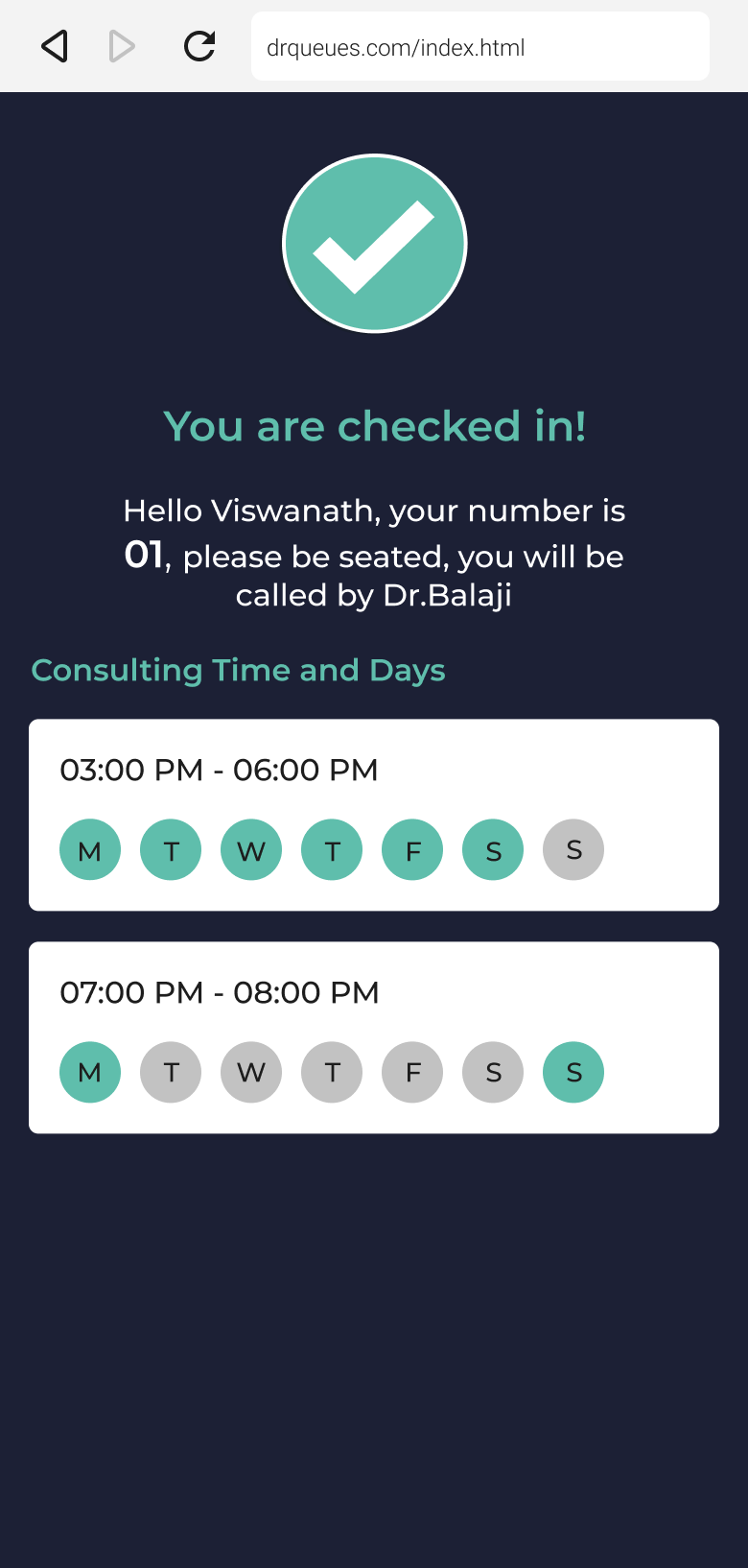
From the moment a patient checks in, every department visit, doctor consultation, prescription, laboratory investigation, diagnostic report, and pharmacy transaction becomes part of a complete patient journey that can be viewed and managed from a single platform.
How It Works
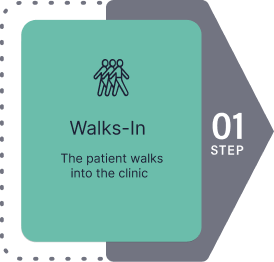
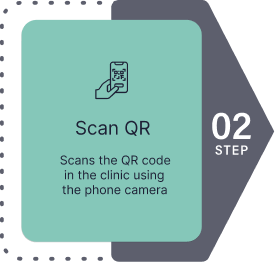
A patient may visit multiple departments during a single hospital visit. They may consult a General Physician, receive referrals to specialists, undergo laboratory investigations, complete diagnostic procedures such as Ultrasound or Uroflowmetry, and finally collect medicines from the pharmacy.
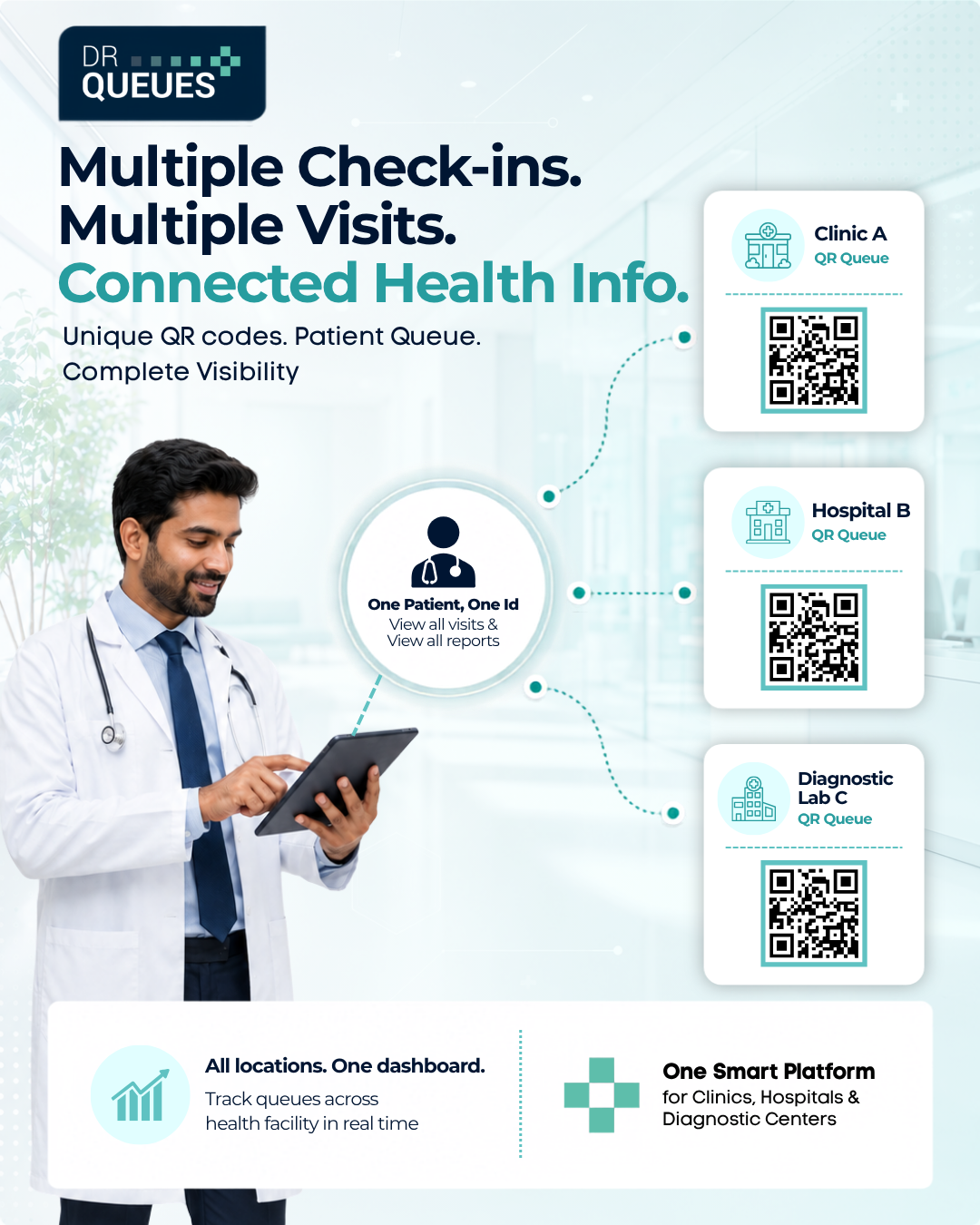
DrQueues captures every interaction as an independent department check-in while maintaining a complete relationship between all activities. This ensures that every consultation, report, and prescription remains connected to the patient's overall treatment journey.
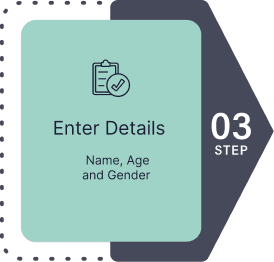
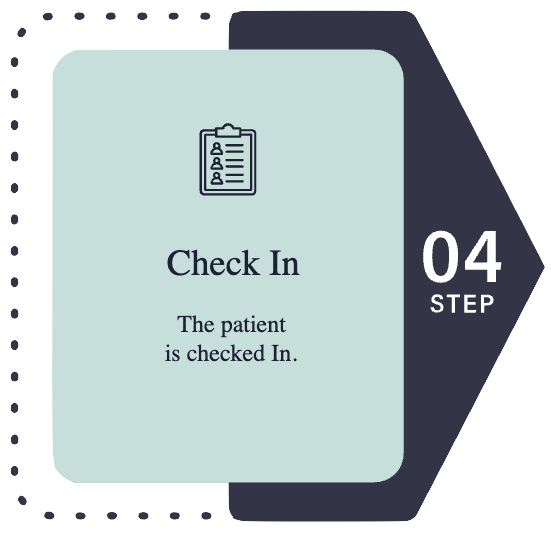
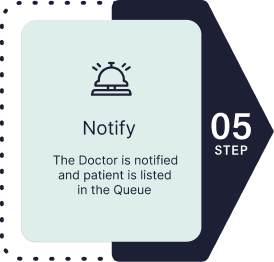

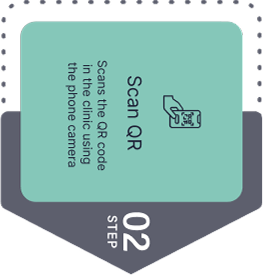




Digitally Manage Every Department With DrQueues
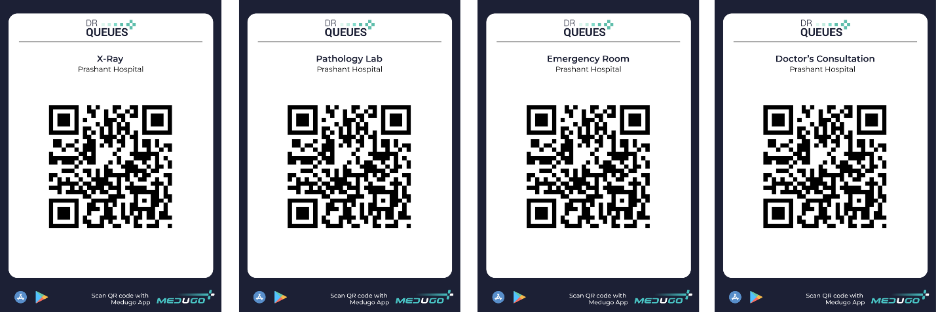
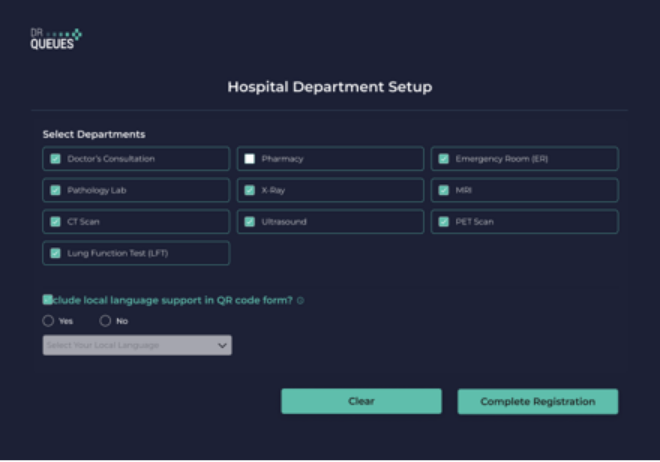
Running a multi-specialty hospital involves coordinating dozens of departments, hundreds of patients, and multiple doctors every day. From Doctor Consultation and Emergency Room to CT Scan, MRI, X-Ray, Pharmacy, Pathology Lab, Ultrasound, and PET Scan, every department has its own patient flow. Managing these queues manually often leads to long waiting times, overcrowded reception areas, and unnecessary confusion.
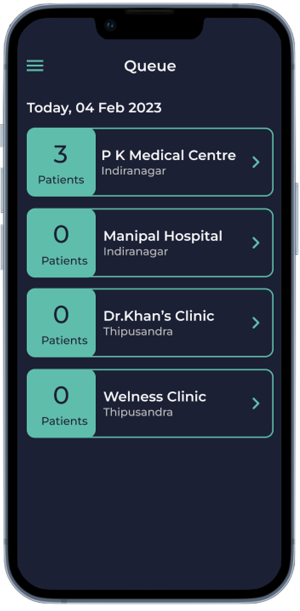
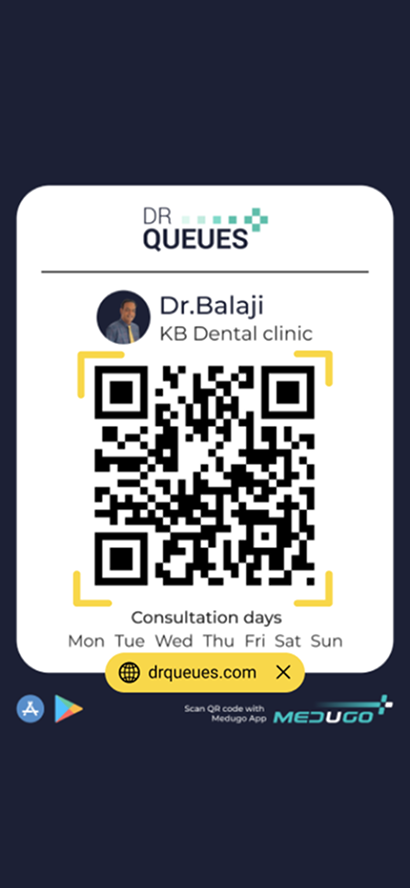
DrQueues provides a centralized hospital management platform that allows hospital administrators to create departments, generate dedicated QR codes, and monitor patient queues across the entire hospital from a single dashboard. Every department operates independently while remaining connected through one powerful system.

Manage Multiple Hospital Locations from One Account
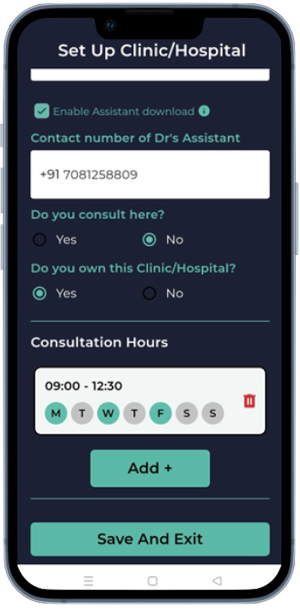
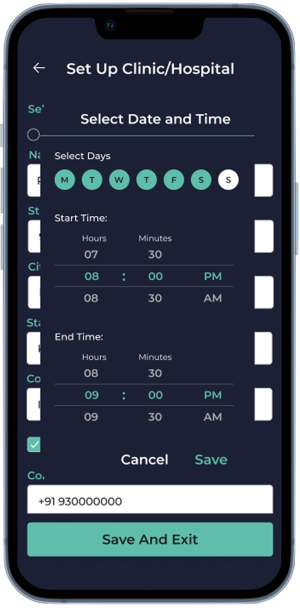
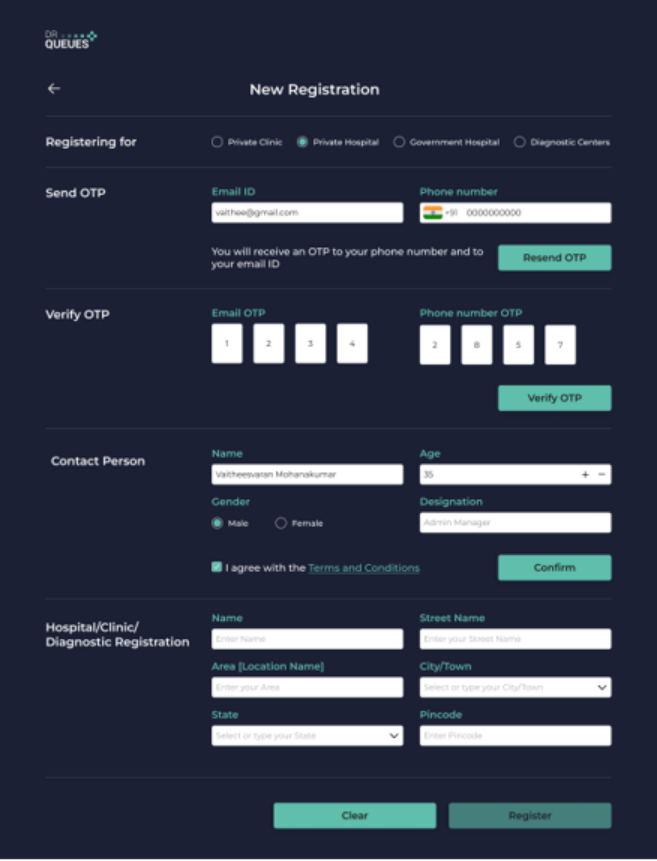
Healthcare organizations often operate across multiple branches or satellite hospitals. Instead of managing each location separately, DrQueues enables administrators to add multiple hospital locations under one account. Every location can have its own departments, dedicated QR codes, and live patient queues, while the administrator maintains complete visibility across all branches. Whether your hospital has two locations or twenty locations, administrators can easily manage operations without switching between different systems.
Real-Time Visibility for Hospital Administrators and Doctors
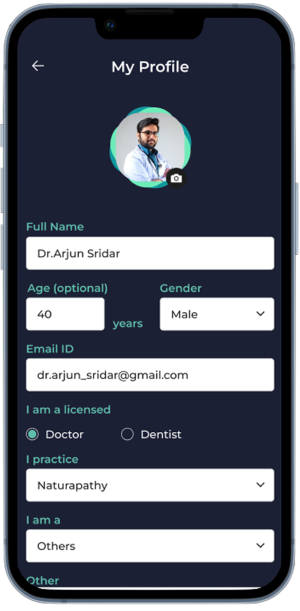
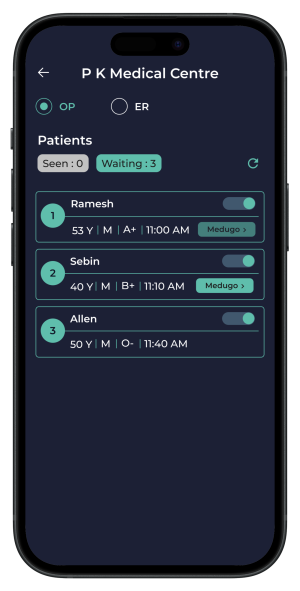
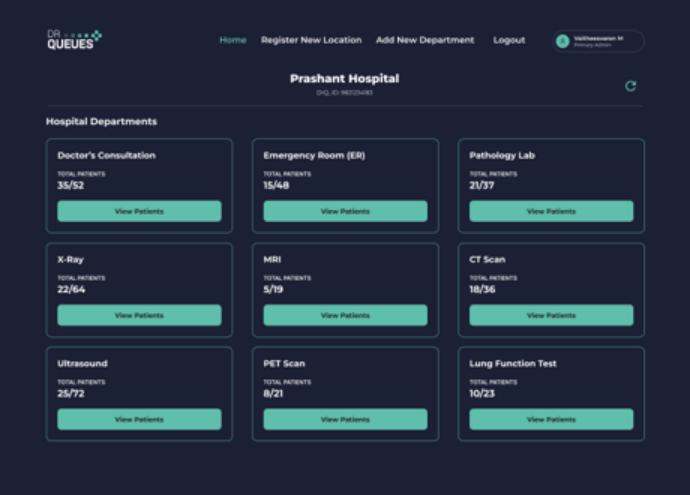
Hospital administrators no longer need to rely on phone calls or manual updates to understand patient flow. The DrQueues dashboard provides a real-time view of every department, displaying how many patients have checked in, how many are waiting, and the current queue status. Doctors can also access their department queue before starting consultations, helping them plan their schedule more effectively and reduce unnecessary patient waiting. This transparency improves departmental coordination, increases operational efficiency, and creates better experience for both healthcare professionals and patients.